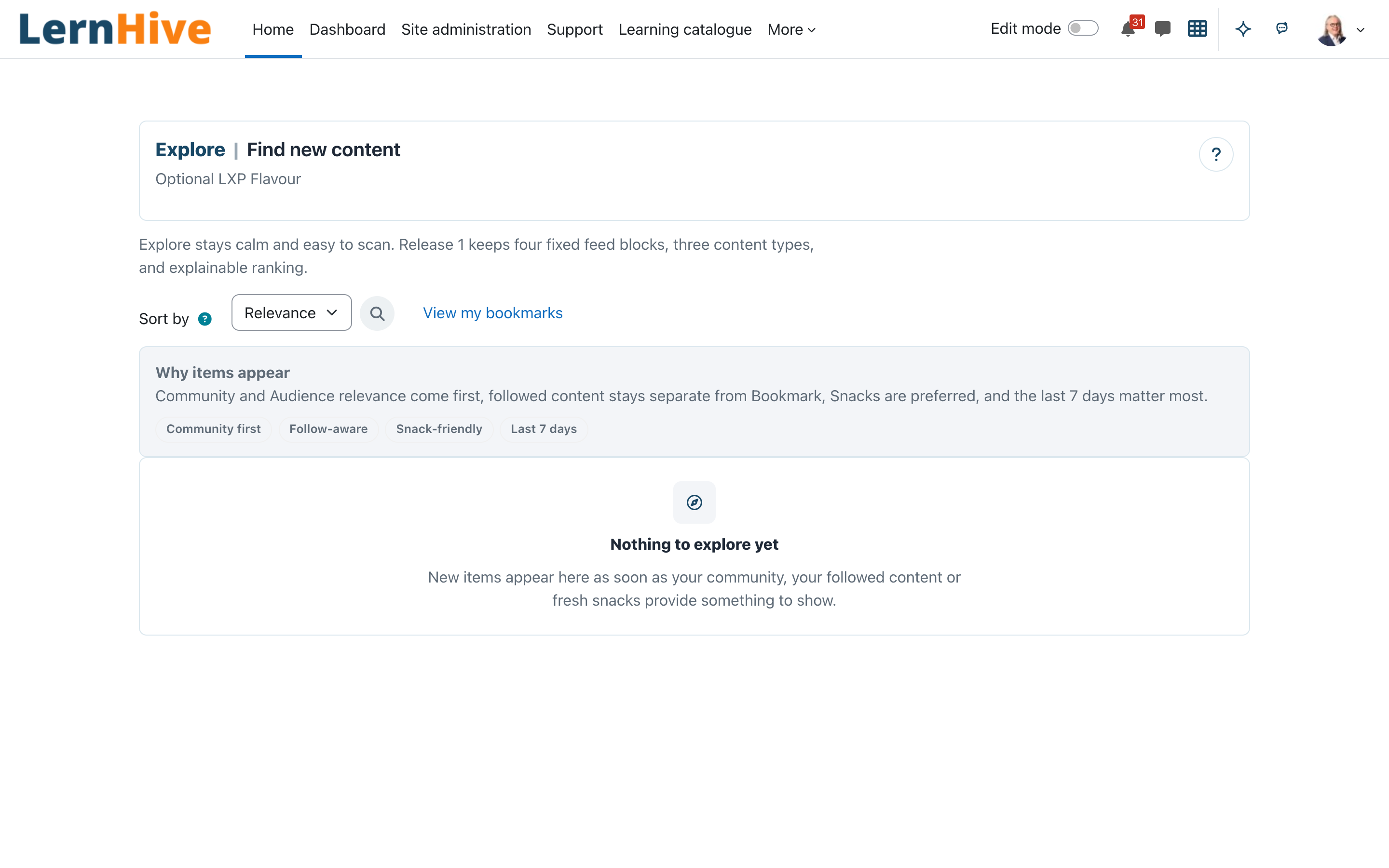
> Status: early preview (0.1.9). Explore shows the Courses, Snacks and > Communities you may see, in the Explore ranking by default; the shared > catalogue sort modes remain selectable. Bookmark actions are rendered when > the Bookmark plugin is installed and the user has permission.
What this plugin does
Explore is the discovery surface of the LXP Flavour: one calm page where learners find relevant Courses, Snacks and Communities. The page shows the sections Communities, Snacks and More to explore (Courses), each with at most six cards, built from visible provider projections.
Who this is for
| Role | What they do |
|---|---|
| Learner | Open the Explore page and browse the feed sections |
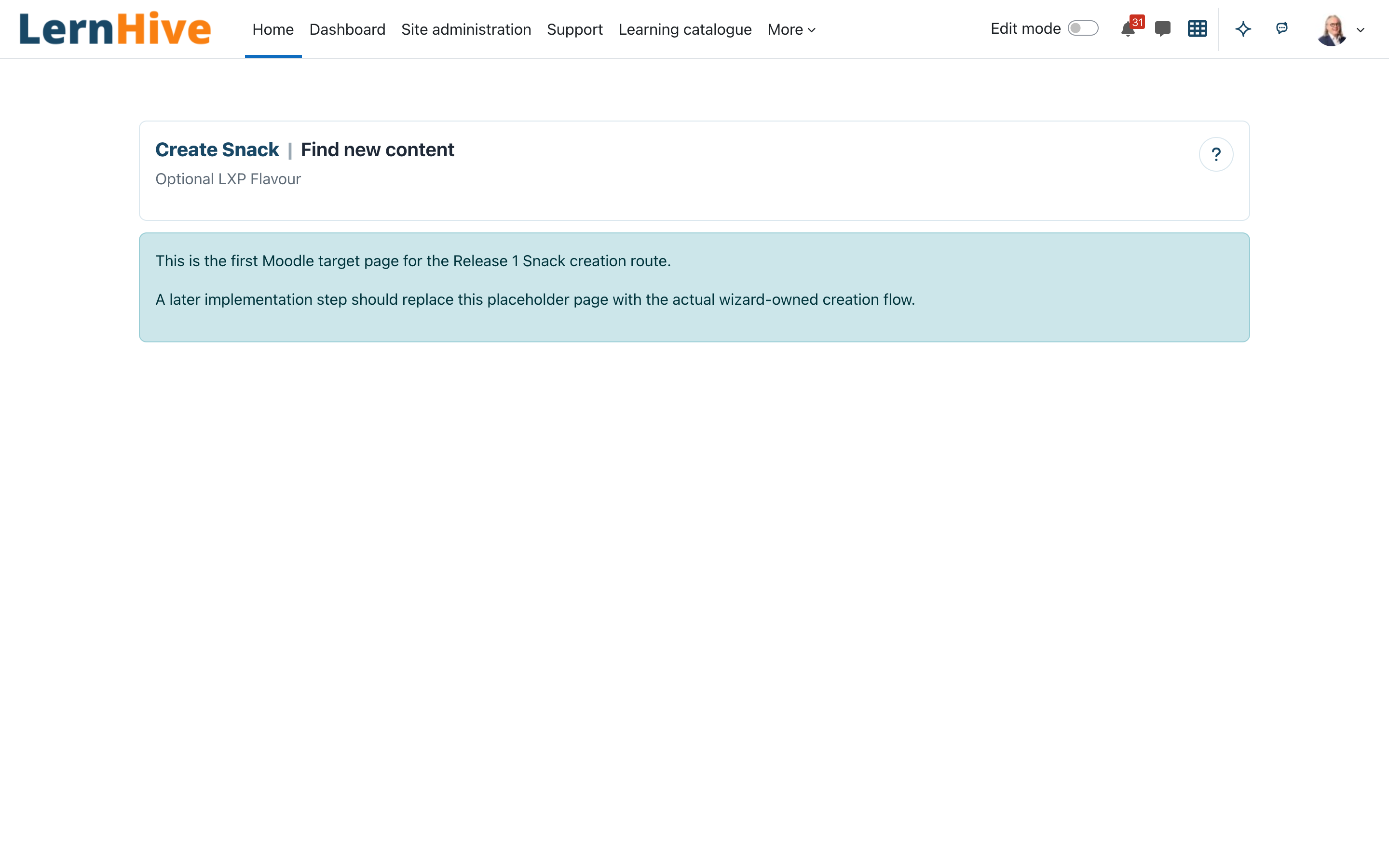
| Trainer | Open Create Snack, which leads into the ContentHub Snack wizard |
| Platform administration | Open the Create Community entry page (creation not available yet); everything a trainer can do |
Technically: the Explore page requires login and the LXP features switch of the flavour plugin (applying the LXP Flavour turns it on); the two creation pages are gated by local/lernhive_discovery:createsnack and local/lernhive_discovery:createcommunity, both granted to the editingteacher and manager archetypes (and therefore to Moodle's Manager role, Platform administration).
Core concepts
- Explore — the page itself (plugin name in the UI is Explore). Feed sections in this order: Communities, Snacks, More to explore; Recommended for your skill gaps comes first when Skills has recommendations. Each section shows at most six cards.
- Snack — a short learning item.
- Community — a course in the Community format.
- Explainable ranking — the default order Recommended: matches to your Audience, Communities, Snacks and items added in the last 7 days come first. Each card names the reason it appears; the help icon next to Sort by says what Explore brings together and explains the order.
Journeys by role
Learner: browse the Explore feed
- Open
/local/lernhive_discovery/index.php(logged-in users on the active LXP Flavour). - The page Explore shows the feed sections. The help icon next to Sort by says what Explore offers and how it orders the feed.
- Each card shows title, summary, meta line and why it appears, and opens the offering.
- Collections curated for you appear as their own sections, named after the collection, right after the skill-gap recommendations. Their cards say Selected for you in "…".
Trainer: open the Create Snack entry page
- Open
/local/lernhive_discovery/createsnack.php(requireslocal/lernhive_discovery:createsnack). - You land in the Snack step of the ContentHub course wizard (
/local/lernhive_contenthub/create.php?step=snack). Without ContentHub the page states Not available yet; the plugin name Explore in the page header leads back to Explore.
Platform administration: open the Create Community entry page
- Open
/local/lernhive_discovery/createcommunity.php(requireslocal/lernhive_discovery:createcommunity). - The page states that Communities cannot be created in LernHive yet, with the same way back to Explore.
Settings that matter
None. The plugin ships no admin settings; access is controlled only by the two creation capabilities above.
Limitations
- Each section shows at most six cards. More to explore links Show all to the learning catalogue (only while the catalogue is on); the other sections have no full list.
- No search and no filters on Explore.
- Follow is not implemented: Explore has no section and no card state for followed content.
- Bookmark actions render only when
local_lernhive_bookmarkis installed and the user has permission. - Explore is flavour-gated. In LXP it adds Explore highlights and snack sections to the existing Dashboard; it does not replace the Dashboard or remove existing blocks.
- Communities cannot be created yet; the Create Community page says so. Snacks are created in the ContentHub wizard.
- No personal data is stored (null privacy provider).
Troubleshooting
A course is missing on Explore. → Each section shows at most six cards in the chosen order. Change Sort by or look in the learning catalogue.
A trainer gets "Access denied" on the Create Snack page. → Check local/lernhive_discovery:createsnack — by default only editingteacher and manager archetypes hold it; plain teacher does not.
Explore is not available outside the LXP Flavour. → Expected in the current release: the Explore entry point fails closed while the LXP features switch is off (Site administration → Plugins → Local plugins → LernHive → LernHive Flavour settings). Applying the LXP Flavour turns it on, applying another flavour turns it off.
Sorting and Bookmarks
Use Sort by to choose the order. Recommended (the default) is the Explore ranking described above; title, date, newest, relevance and popularity come from the shared catalogue. Popularity is the provider's catalogue relevance signal; it is not based on likes.
Use View my bookmarks to open the complete saved-items list. Bookmark means “find this again later”.
Skill-gap recommendations
When Skills is installed and you have active skill gaps and goals, Explore shows Recommended for your skill gaps. Each card explains why it appears, including the skill gap and learning target when available. Without Skills or without recommendations, this section is not shown.
Unauthenticated catalogue visitors see only explicitly public, non-cohort- gated offerings. Organisation-specific names such as Audiences, target groups, locations, departments and categories are not shown anonymously.
Screenshots
The following screenshots show the current LernHive demo interface: