Building block · local_lernhive_configuration
Every setting — traceable.
Config history, diff view and override tracking for every setting. Audit-ready without spreadsheets.
Overview
Settings with a memory.
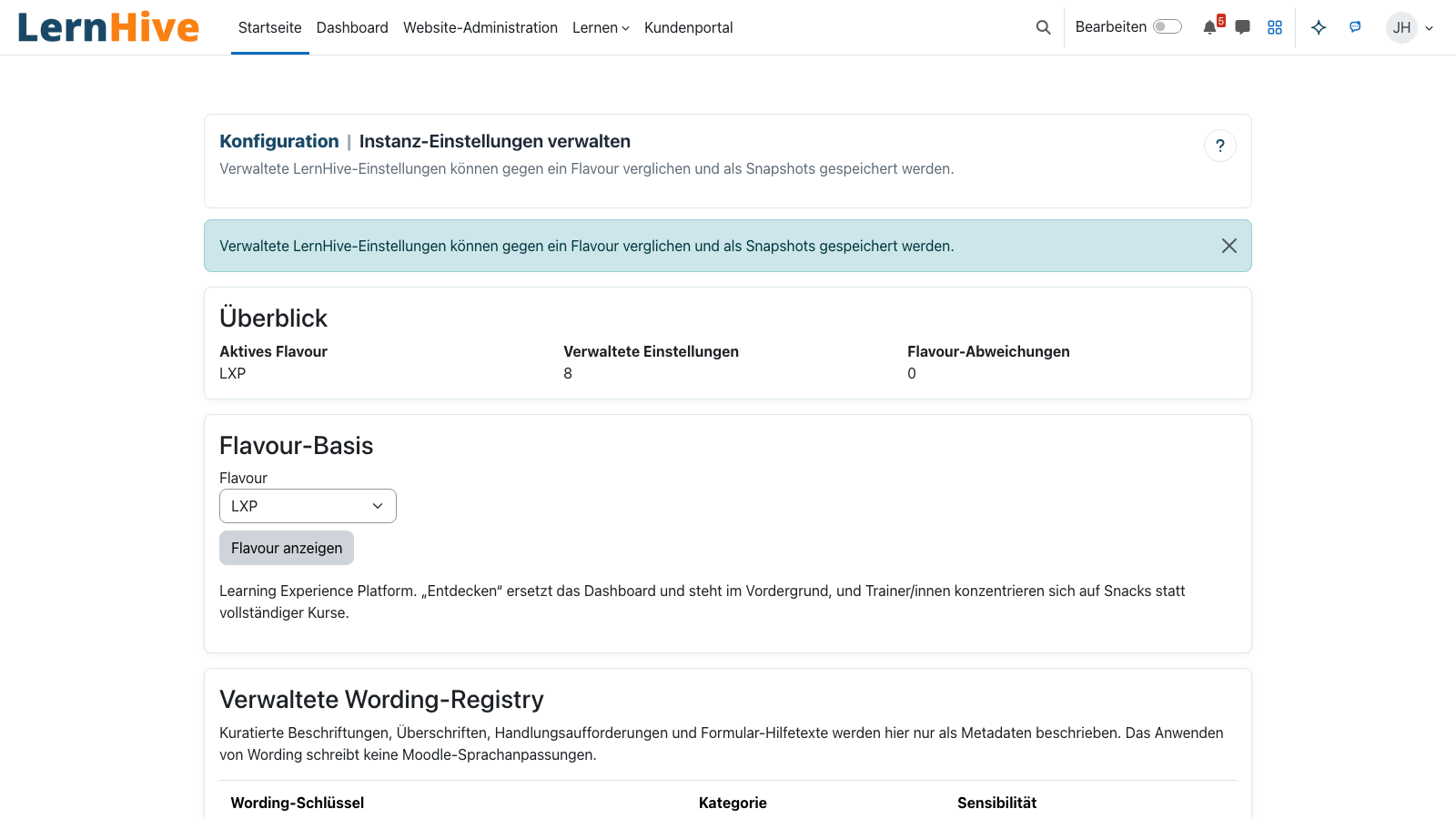
The configuration building block logs every LernHive-specific setting. Admins see what changed, when, and by whom — and can roll back to any state or diff against the flavour default.
Core features
What this building block provides.
Change history
Every feature toggle and level change gets a timestamp and a user ID. Auditable timeline.
Diff view
Two snapshots side by side: before / after. Changes highlighted in colour.
Override markers
Settings that diverge from the flavour default are visible immediately — with a justification field.
Rollback
Roll single features back to an earlier state — without touching the database.
Export as JSON
Configuration snapshot can be exported and imported into a second instance.
Permission system
Dedicated capabilities for read, edit and rollback — clean separation between admin roles.
How it works
How the audit trail is built.
-
Setting hook
Every LernHive setting calls the history writer on save.
-
Snapshot + diff
The new value is compared to the old one and a diff record is stored.
-
Override detection
If the value diverges from the flavour default, an override flag is raised.
-
Admin UI
The admin area shows timeline, diff and rollback options per feature.
Diff instead of black box
Who changed what and when — visible on a timeline. No 'no one remembers' moments.
One-click rollback
A failed change? Revert a single feature — no backup restore, no downtime.
Technical details
At a glance.
FAQ
Common questions.
Are underlying platform settings logged too?
No. Only LernHive-specific settings. Underlying Moodle core settings remain covered by Moodle's own config log — a clean separation of concerns.
How long is history data kept?
Admin-configurable, default 365 days. A cleanup task removes older entries.
Can I transfer a config into another instance?
Yes, via the JSON export and the matching import — override markers included.
Often combined with
LernHive Flavours
Starting profiles: School, LXP, later Higher Ed / Corporate / Association — adaptable, never hardcoded.
View detailsLernHive Audience
Static + dynamic audiences, AND/OR rule tree, live preview, projected to Moodle cohorts.
View detailsLernHive Platform Core
Foundation: Level system, feature registry and shared UI classes for every building block.
View detailsExplore the config trail.
In a partner call we walk through the diff view and rollback flow with real data.