Building block · local_lernhive_contenthub
One entry point for any content.
Instead of five menus: one dialog that asks 'What do you want to build?' — orchestrating course copy, library import and, later, AI import.
Overview
A single entry point instead of many.
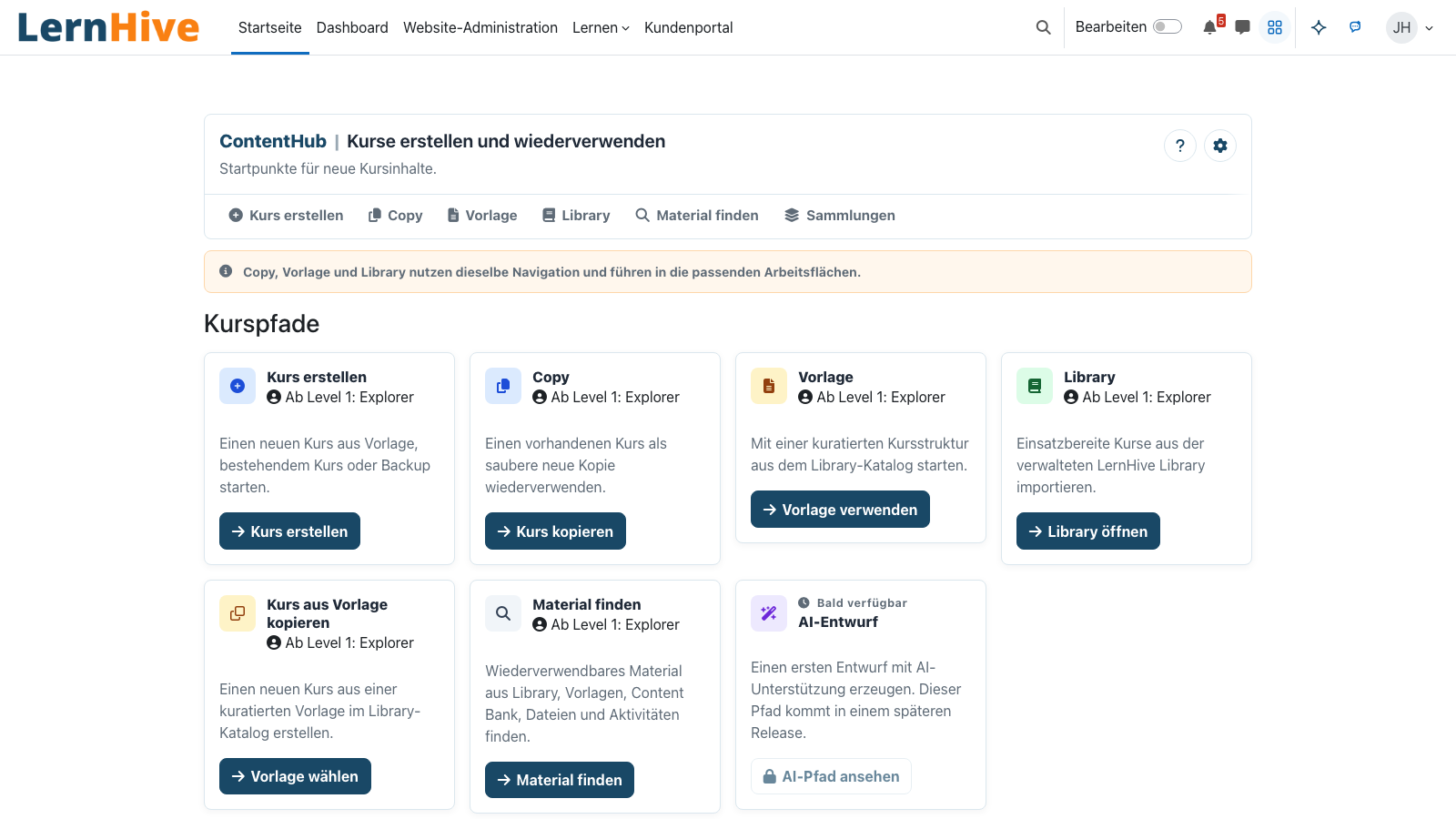
The ContentHub is the one place a trainer goes to create new content: copy a course, import a library resource, use a template or (later) generate an AI-assisted outline. All through one dialog.
Core features
What the ContentHub does.
Content dialog
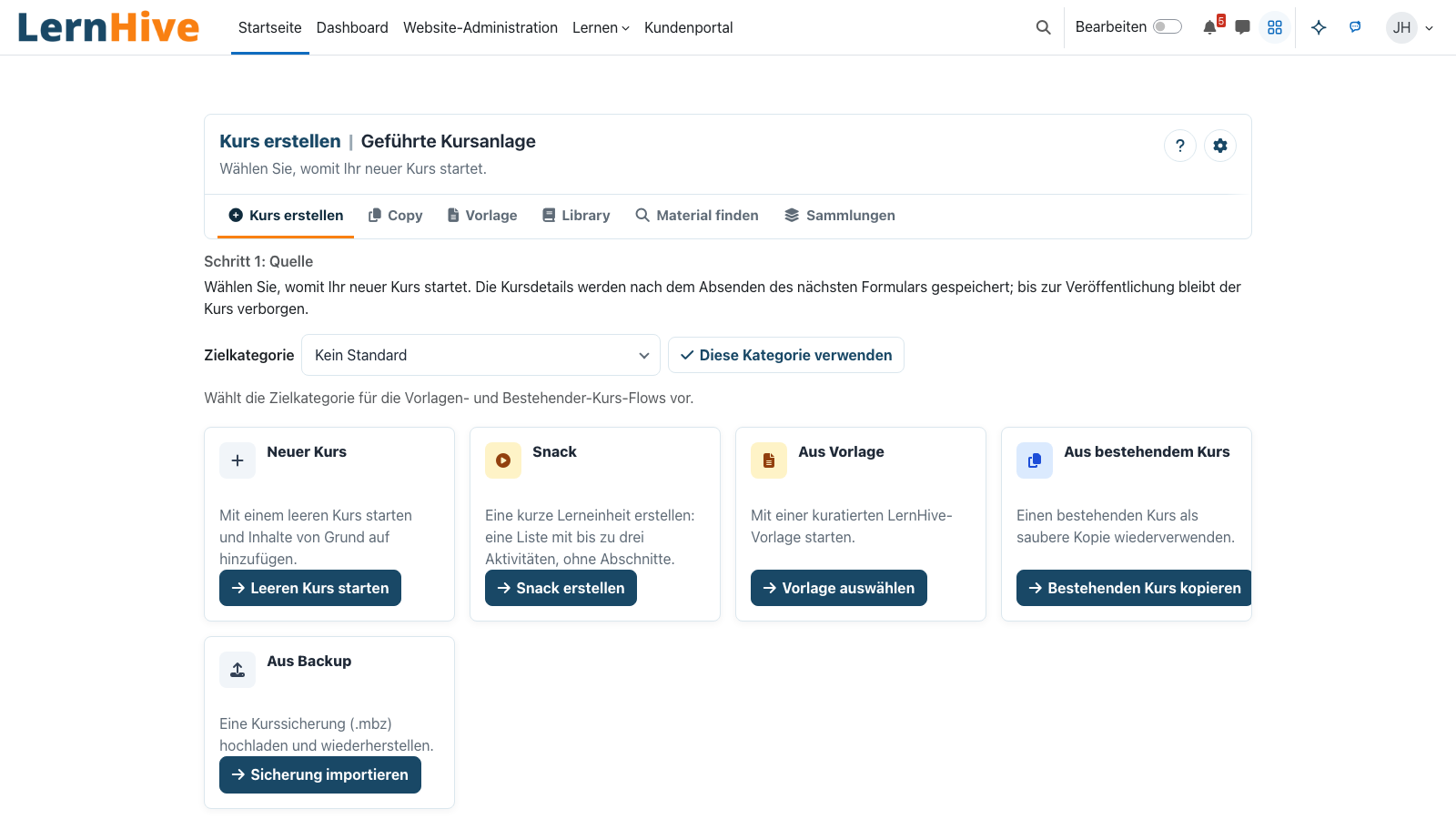
A single entry point: 'Where does your content come from?' — with four clear paths as the answer.
Course copy integration
Launches the Copy building block with the right preselected context.
Library integration
Launches the Library building block to import external resources.
Template picker
Ready-made template courses as starting skeletons — ideal for recurring training formats.
AI hook
Prepared as a later path: AI proposes course outlines, objectives or activities (R2+).
Extensible sources
Other building blocks register as a source — no core patch needed.
How it works
How a new course is created.
-
Open the hub
Via the ContentHub entry in the primary navigation (Manage).
-
Choose the path
Blank course, copy, library, template — the hub shows paths based on the building blocks that are active.
-
Launch source module
The chosen path hands off to the matching building block — with context like target category and language.
-
Finish inside the course
Once created, the trainer lands directly inside the editable course — not in an intermediate list.
One dialog instead of many menus
Instead of 'Create course', 'Copy course', 'Import from file' scattered across the interface: one dialog with four clean paths.
Orchestration without jumps
The ContentHub calls the specialists (Copy, Library) and hands over the context — no re-entry.
Technical details
At a glance.
FAQ
Common questions.
Do I have to activate every source building block?
No. The hub only shows paths whose building blocks are active.
When does AI integration arrive?
Planned from R2 — with explicit opt-in config and an EU-hosted provider.
Can I set the hub as the default entry point?
Yes. A config setting redirects the 'Create course' action to the hub.
Often combined with
LernHive Discovery (LXP)
LXP Explore feed (4 fixed blocks) — community/audience-relevant, snack-friendly, recency-aware.
View detailsLernHive Onboarding
Guided user tours and trainer learning paths. Level-1 pack live, levels 2–5 to follow.
View detailsLernHive Launcher
App grid next to the user menu with the areas and actions each person may use.
View detailsSee the ContentHub live.
Create one course from a template and one from a copy in the demo tenant.