Building block · local_lernhive_notifications
Less noise, more signal.
A digest layer over platform notifications: summarise, prioritise, deliver — per channel and per user.
Overview
Notifications people actually read.
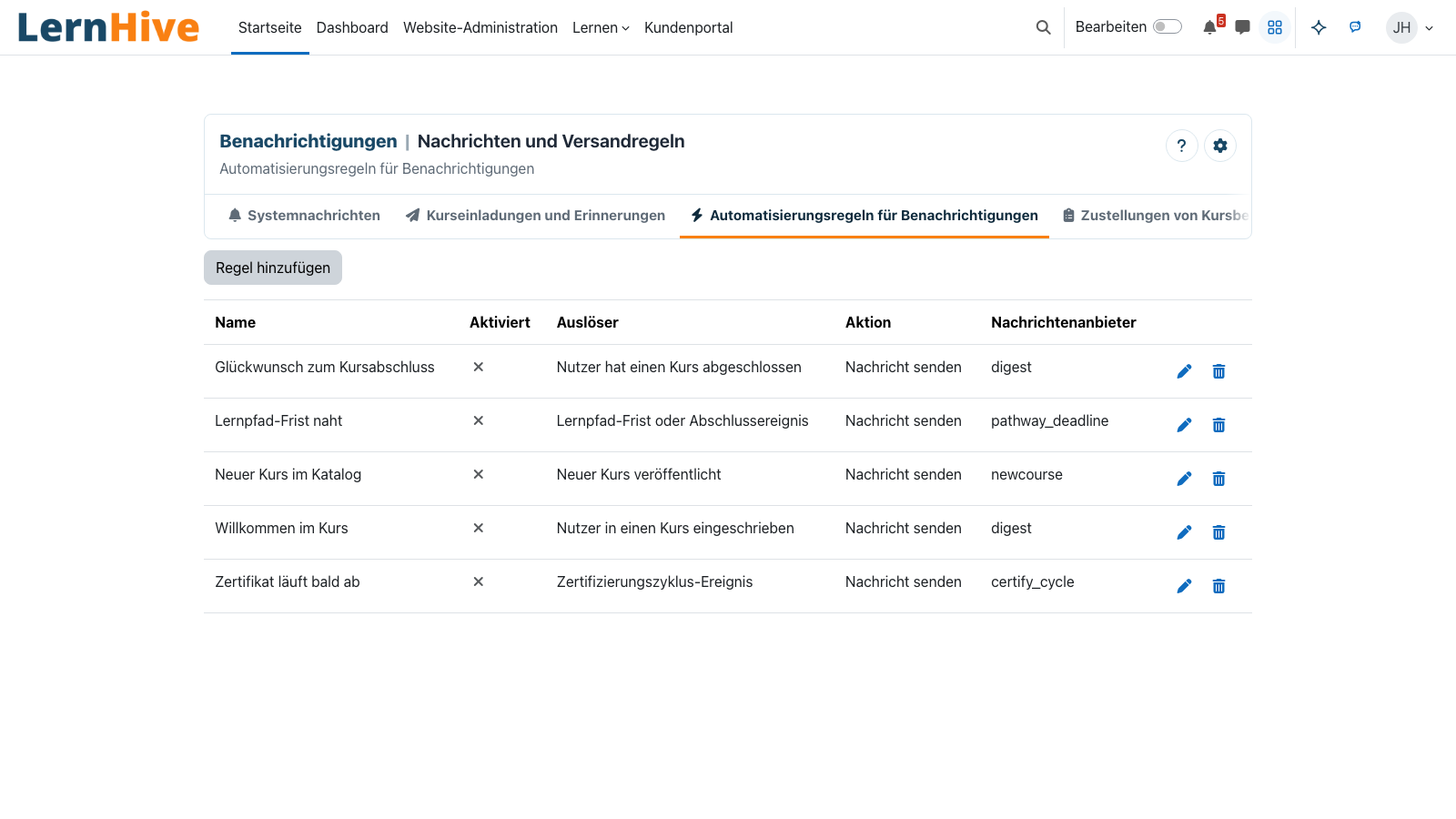
Instead of ten single emails per day: a tidy digest. The building block reuses the platform's notification providers, channels and user preferences, and adds a summarisation layer and a clearer UI on top.
Core features
What the Notifications building block brings.
Digest mode
Messages are grouped by provider and delivered at configurable intervals.
Read in Moodle
Single notifications are read on Moodle's notifications page, with Moodle's own read state.
Per-provider control
Each notification provider can be individually set to instant, digest or off.
Channel support
Email, in-app, popup, mobile — all existing channels respected.
Uses existing preferences
No parallel settings world — users see everything in their familiar notification preferences.
Batch acknowledge
Mark all as read in one click, keyboard shortcut included.
How it works
How the digest is assembled.
-
Collect
Every incoming notification passes the filter and lands in the queue.
-
Group
Messages are grouped by provider and context.
-
Deliver
At the configured moment, LernHive sends the grouped digests — daily, weekly or on a custom interval.
-
Acknowledge or ignore
Reading marks automatically; ignoring moves entries to 'done'.
Digest instead of flood
Better one good notification every four hours than four bad ones every hour.
Compatible with anything that sends messages
No parallel provider layer — just one on top. Compatible with anything that emits messages into the platform.
Technical details
At a glance.
FAQ
Common questions.
Will I lose messages because of the digest?
No. Each message remains individually accessible on Moodle's notifications page — the digest only bundles delivery.
Does the building block work with third-party providers?
Yes. Every provider hooked into the platform's messaging API is captured.
Can I disable digests?
Yes, per provider: instant delivery remains available. The user decides.
Often combined with
LernHive Discovery (LXP)
LXP Explore feed (4 fixed blocks) — community/audience-relevant, snack-friendly, recency-aware.
View detailsLernHive Audience
Static + dynamic audiences, AND/OR rule tree, live preview, projected to Moodle cohorts.
View detailsLernHive Onboarding
Guided user tours and trainer learning paths. Level-1 pack live, levels 2–5 to follow.
View detailsSee the digest cycle.
In a partner call we walk through a digest cycle from notification to digest email.