Building block · local_lernhive_pathways
Curriculum sequencing with clear progress.
Learning paths with steps, prerequisites, due dates and visibility windows. Learners receive paths through manager assignment or self-allocation from the catalogue. Step types: content, course, seminar.
Overview
From single course to structured learning path.
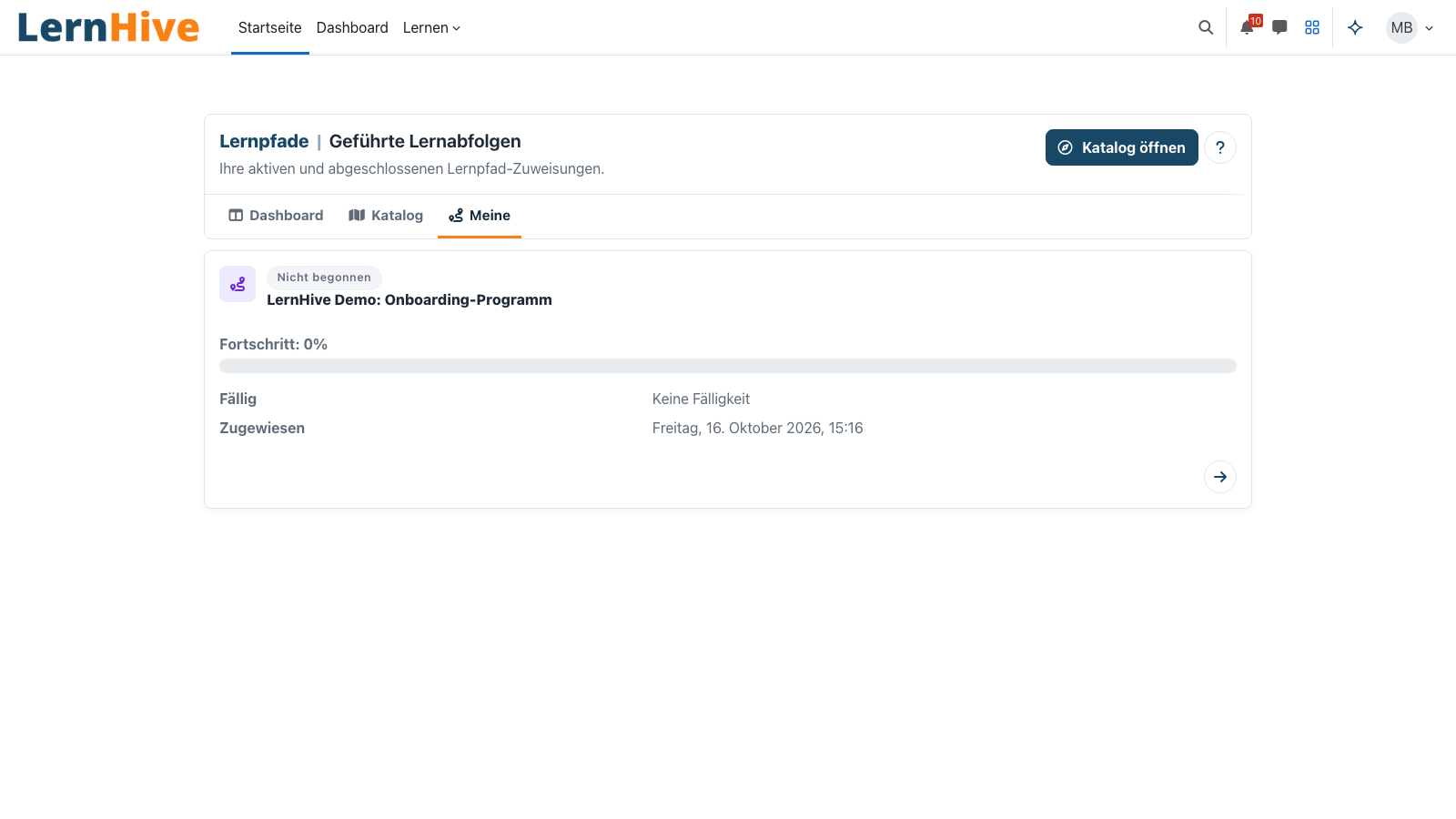
Pathways orchestrates multiple learning units into a guided curriculum. Each step can be a content reference, a Moodle course or a seminar. Steps can have prerequisites, become due and live in a visibility window. Learners always see the status of their allocation transparently.
Core features
What Pathways offers.
Track allocation status
Assigned, in progress, completed, cancelled, archived — per learner and pathway. Clean audit trail.
Step types
Content (external reference), course (Moodle course) or seminar. A pathway mixes the three types freely.
Prerequisites
Steps can wait on other steps within the same pathway — no fragile configuration via course-completion conditions.
Due dates
Optional due date per allocation. Visible in the learner dashboard, accessible from reporting.
Visibility windows
Pathway is visible "from" and "to" — ideal for annual onboardings, seasonal trainings, compliance refreshers.
Self-allocation from catalogue
Learners can self-allocate active pathways from the catalogue — Audience rules decide who sees which pathway.
Completion rules
Definable per step: attendance, course completion, pass grade, manual mark.
Scheduling strategies
Fixed date, delay relative to allocation, or immediately on allocation. Three understandable modes instead of an arbitrary rule engine.
Archive & restore
Allocations can be archived and restored without data loss. The pathways themselves remain untouched.
How it works
How Pathways fits in.
-
Create pathway
Define pathway metadata: name, ID number (stable external key), visibility window.
-
Assemble steps
Per step: choose type (content / course / seminar), mark prerequisites, set completion rule and scheduling.
-
Assign or publish
Manager assigns pathways directly — or publishes the pathway for self-allocation in the catalogue (filterable via Audience).
-
Learners progress
Learner dashboard shows only released steps — prerequisites keep the rest hidden until due.
-
Completion & certificate
Pathway completion closes the allocation — Certify (separate building block) attaches certificate or badge.
Visibility windows over workflow magic
A pathway with "visible Jan 1 – Mar 31" appears in the first quarter automatically in the catalogue and disappears thereafter. No cron hacks, no duplicate compulsory fields.
Pull rather than push
Learners pull released pathways themselves — relieves HR and matches LXP scenarios. Audience decides who even sees which pathway.
Technical details
At a glance.
FAQ
Common questions.
What distinguishes Pathways from Moodle Learning Plans?
Learning Plans are competency-centric. Pathways are sequence- and time-centric: fixed order, due dates, visibility windows — typical for onboarding and compliance training.
Can Pathways be used together with Skills?
Yes — planned for R2. Skills provides the competency view, Pathways the guided curriculum. Both run in parallel.
Are pathway allocations GDPR-compliant for export and deletion?
Yes. Allocations run through the Moodle Privacy API and are covered by subject-access, export and deletion workflows.
Often combined with
LernHive Certify
Certificates and badges on pathway completion: PDF templates, Open Badges (OBI), optional digital signature.
View detailsLernHive Seminar Management
Dedicated seminar administration above courses: offerings, dates, rooms, trainers, catalogue, waitlists and work plans.
View detailsLernHive Skills
UX layer for Moodle competencies and learning plans (R2 roadmap — see backlog BL-R2-01).
View detailsSee Pathways live.
Walk through a demo pathway — including self-allocation and manager assignment.